Tag scene elements
Tag cast, props, wardrobe, vehicles, background, sets, locations, special notes, and department needs per scene.

Script breakdown software
Break down scenes, tag production elements, add annotations, attach references, and keep the entire production working from connected scene data instead of disconnected documents and spreadsheets.
Productions change constantly. Scripts get new versions, schedules change, locations shift, and departments need updated information fast. MoviePrepper helps productions stay aligned without rebuilding the same breakdown work across departments, schedules, call sheets and reports.
Production-ready breakdowns
In most workflows, breakdowns, schedules, call sheets, reports, and department notes live in separate systems. Teams end up rebuilding the same information repeatedly while trying to confirm what is actually current.
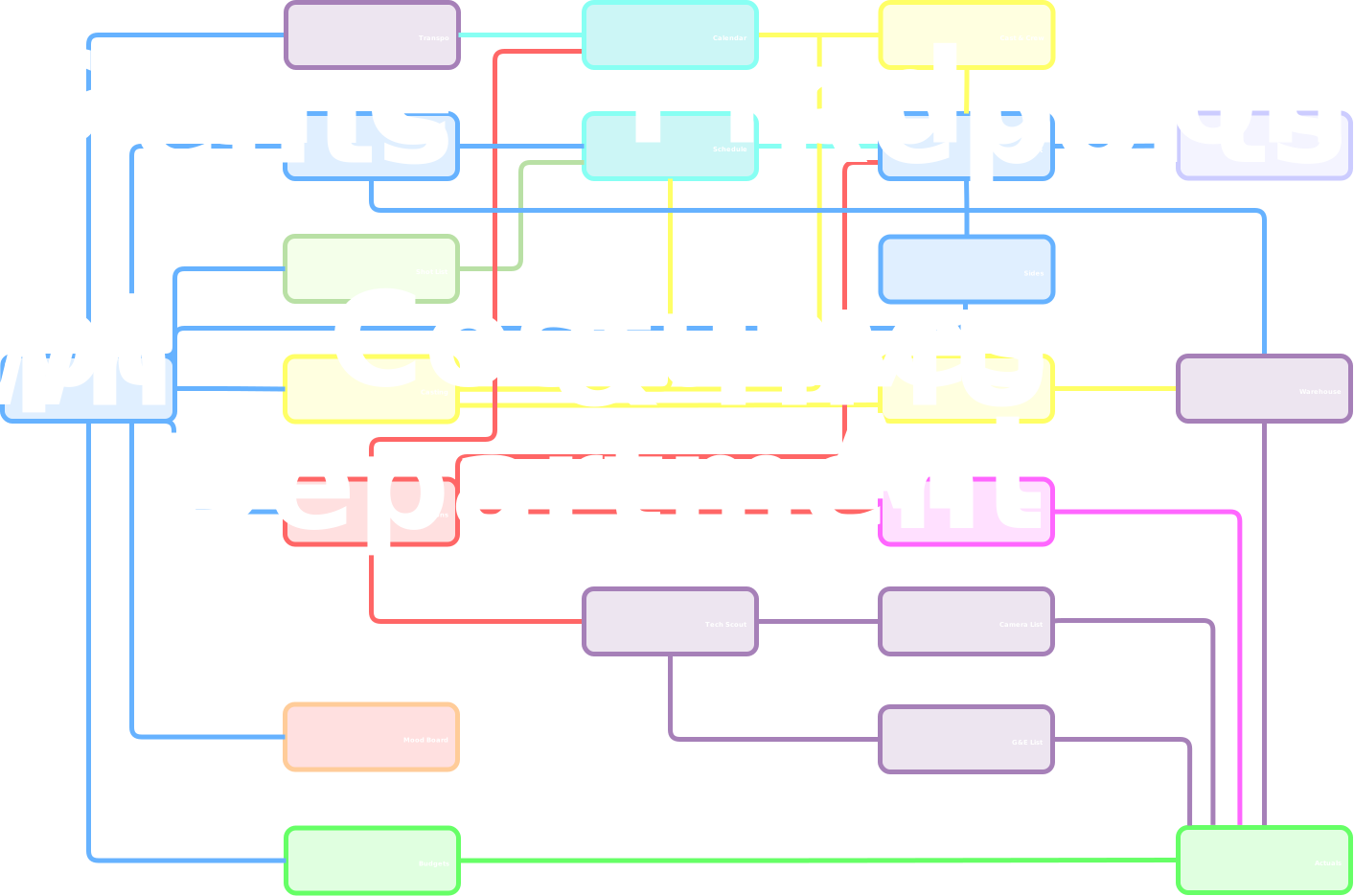
MoviePrepper turns each scene into connected production data so tagged scene elements, annotations, images, shot ideas, cast details, and department notes are automatically linked to the schedule and call sheet as the production evolves.
Script breakdown features
MoviePrepper is built for crews that need more than a static breakdown sheet. It helps you tag, annotate, organize, revise, and carry scene information through the rest of production.
Tag cast, props, wardrobe, vehicles, background, sets, locations, special notes, and department needs per scene.
Mark up the script with production notes, scene references, department reminders, and planning details.
Split scene planning into partial scenes when a scene needs to be broken up in smaller parts.
Bring in a revised script and keep existing work on unchanged scenes instead of rebuilding the full breakdown from scratch.
Build a cast breakdown for casting conversations, casting directors, character planning.
Attach visual references, videos, research, scout material, wardrobe ideas, props, or creative references to the scene.
Create shots and shot ideas per scene.
Add notes for art, props, wardrobe, makeup, hair, locations, transport, production, camera, and other departments.
Use breakdown information later in stripboards, call sheets and sides.
Built around script changes
Script revisions are part of production. Scenes get added, deleted, rewritten, split, combined, moved, or adjusted. A static breakdown makes every revision feel like starting over.
MoviePrepper is designed to protect the work you have already done. When you update the script, unchanged scenes keeps the tagged elements, annotations, images, videos, shot ideas and department notes.
Update the script without throwing away the prep that still applies.
Cast breakdown
When you upload the script, MoviePrepper automatically extracts characters and scene appearances, helping production and casting start from organized character information immediately.
Build detailed cast breakdowns with character descriptions, role notes, age ranges, personality traits, and casting direction that can be shared with casting directors and the production team.


Creative prep
A scene breakdown is not only logistics. It is also where creative and department planning starts.
Add images, videos, visual references, shot ideas, department notes, and scene-specific reminders so the creative plan stays tied to the scene instead of getting buried in separate documents, chats, or mood boards.
Production reality
Productions lose time when changing information falls out of sync across departments, schedules, call sheets, reports, and communication channels.
Assistant directors, coordinators, production teams, and department heads often spend hours verifying updates, rebuilding documents, correcting outdated information, and redistributing changes across the crew.
Every time information is recreated manually, the risk of missed details, conflicting versions, overtime, and production delays increases.
Rebuilding information is where productions lose time, money, and alignment.
AI breakdown vs production reality
AI script breakdown tools can help identify cast, props, wardrobe, vehicles, locations, background, and department needs faster.
But speed alone is not enough. Productions still depend on accurate information. If teams spend hours checking and correcting AI-generated breakdowns, the time savings disappear. And when incorrect information slips through, the cost often shows up later in scheduling problems, inaccurate call sheets, unnecessary shoot days, and expensive overtime.
The real challenge is not generating breakdown information. It is maintaining accurate, connected production information as the script, schedule, and production keep changing.
From script to set
MoviePrepper helps productions move from script breakdown to shoot day while reducing duplicate work.
Start from the current draft.
Tag elements, create annotations, add notes, attach references, and insert shot ideas.
Use the breakdown to start casting, create a schedule.
Carry breakdown and scene info into call sheets, sides and reports.
Built for fast-moving productions
MoviePrepper is built for productions where schedules shift, scripts evolve, availability changes, and departments need accurate information without constantly rebuilding the plan.
Script breakdown software explained
Script breakdown software helps production teams identify, tag, and organize everything needed to shoot a script. This can include cast, characters, props, wardrobe, vehicles, background, sets, locations, special effects, stunts, animals, notes, media, references, and department requirements.
A strong film production breakdown does more than label elements. It helps the team turn the script into a working production plan that supports the stripboard, shooting schedule, casting, call sheets, sides, production reports and budgets.
MoviePrepper helps productions carry breakdown work forward through script revisions instead of rebuilding prep every time new pages come in.
Script breakdown software FAQ
MoviePrepper helps you tag scene elements, create annotations, attach media, add shot ideas, leave department notes, create partial scenes, build cast breakdowns, and carry scene information into the rest of production.
Yes. MoviePrepper is designed so unchanged scenes can keep their existing breakdown work, annotations, tagged elements, media, shot ideas, and notes after script updates.
Yes. You can use character tagging to create cast breakdown information for casting directors, producers, ADs, and internal planning.
Yes. MoviePrepper lets you attach images, videos, visual references, research, and creative prep material directly to scenes.
AI can help with a first pass, but production still needs verified tags, accurate notes, script revision handling, scheduling context to create accurate call sheets and reports.
A template is static. MoviePrepper connects the breakdown to the stripboard, shooting schedule, casting, call sheets, sides, production reports, departments, budgets, and actuals.
Keep breakdowns, schedules, call sheets, reports, department prep, budgets connected as the production changes.
Start Your Project